Ever wondered how people create their blog so easily on the internet? Are you planning to do the same as well? Want to lay down your thoughts for the world to see? If the answer to every question above is a ‘Yes’, then you came to the right place.
In this updated 2026 guide, we’ll walk through one of the simplest ways to create a free blog using BlogSpot (Blogger). Before we begin, let’s understand what BlogSpot is and why it’s still relevant today.
Blogging
In simple terms, blogging is the practice of publishing content online in the form of articles or posts. These posts can focus on a single niche—such as technology, travel, finance, food, or personal development—or cover multiple topics. However, choosing one clear niche often helps you build authority and attract a consistent audience.
In 2026, blogging continues to be a powerful way to build a personal brand, grow a business, earn passive income, or share expertise. With search engines, newsletters, and social media driving traffic, even a free blog can reach thousands of readers if managed properly.
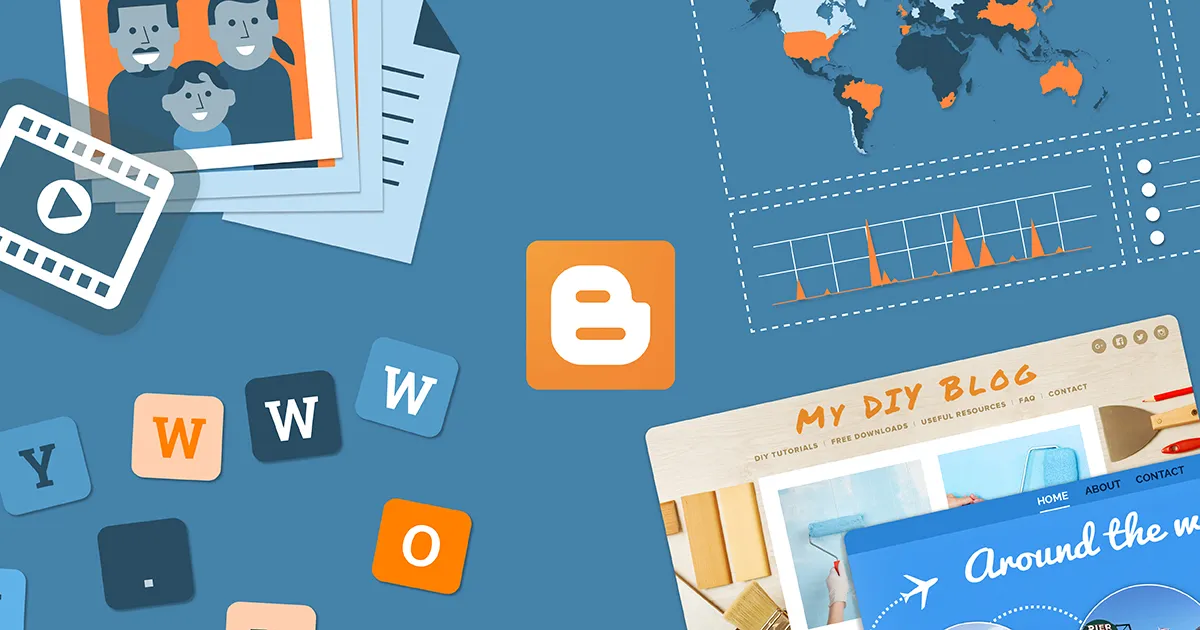
BlogSpot
BlogSpot is the free blogging service powered by Blogger.com, which is owned by Google. When you create a blog on Blogger, you receive a free subdomain in the format: yourblogname.blogspot.com. You can also connect a custom domain later (such as yourblog.com).
Blogger continues to be popular in 2026 because it offers:
- Free hosting by Google
- Free SSL certificate (HTTPS enabled by default)
- Direct integration with Google AdSense
- Integration with Google Analytics and Search Console
- Simple, beginner-friendly dashboard
You don’t need coding knowledge to start. While Blogger is not as flexible as self-hosted WordPress, it’s an excellent starting point for beginners who want to launch quickly without investing money upfront.
| Feature | Blogger (Free) | WordPress.org (Self-hosted) |
|---|---|---|
| Cost | Free | Hosting + Domain required |
| Ease of Use | Very Beginner-Friendly | Moderate |
| Customization | Limited Themes | Highly Flexible |
| Monetization | AdSense Ready | Unlimited Options |
| Maintenance | Managed by Google | You Manage It |
How to Create A Free Blog on BlogSpot?
Creating the Blog
Follow these steps to set up your free blog in 2026:
- Open your web browser and go to blogger.com.
- Click on “Create Your Blog”.
- Sign in using your Google account (Gmail).
If you don’t already have a Google account, you’ll need to create one. It takes only a few minutes.
Once logged in, you’ll see the Blogger dashboard. Click on “Create New Blog”.
You’ll now need to:
- Enter a Blog Title – This is your website’s name.
- Choose a Blog Address (URL) – Example: yourblog.blogspot.com. If the name is taken, Blogger will suggest alternatives.
- Select a Theme – Choose a simple, clean design. You can change it later.
Once done, click “Create Blog”. Your free website is now live.
Customization
After creating your blog, it’s time to customize it properly.
From the Blogger dashboard:
- Go to Settings → Ensure your blog is visible to search engines.
- Enable HTTPS (usually turned on by default in 2026).
- Add a Meta Description under settings for better SEO.
Next, go to Layout to modify your blog structure. Here you can:
- Add a logo or header image
- Insert sidebar gadgets (Profile, Popular Posts, Labels, Search Box)
- Add footer sections
Blogger’s Theme section also allows you to customize colors, fonts, and layouts. If you know basic HTML/CSS, you can edit the theme code for deeper customization.
Create Pages in Your Blog
Every professional blog should include essential pages. These help build credibility and comply with advertising policies.
To create pages:
- Go to Pages in the dashboard.
- Click “New Page”.
- Add a title and content.
- Click Publish.
Important pages to create:
- About Us
- Contact
- Privacy Policy
- Disclaimer (if monetizing)
You can display these pages in your header or footer through the Layout section.
Adding Your First Blog Post
Now comes the most important part — publishing content.
To create your first post:
- Go to Posts in the dashboard.
- Click “New Post”.
The Blogger editor in 2026 supports:
- Headings (H2, H3 formatting)
- Images and videos
- Labels (categories)
- Permalink customization
- Search description for SEO
Add a compelling title, write your content, insert images if needed, and assign relevant labels. Before publishing, click Preview to review formatting. When ready, click Publish.
Your article is now live on the internet.
Monetization & Custom Domain in 2026
One of the main reasons people start a blog is to earn money. Blogger makes this relatively simple.
1. Google AdSense
You can apply for AdSense directly from the Earnings section in your Blogger dashboard. Once approved, ads can be automatically placed on your blog.
2. Custom Domain
If you want a more professional look, you can buy a domain (like yourblog.com) from any domain registrar and connect it under Settings → Publishing. Blogger provides step-by-step DNS instructions.
3. Affiliate Marketing
You can insert affiliate links within your posts. Make sure to disclose affiliate relationships clearly.
While Blogger has limitations compared to advanced CMS platforms, many successful niche blogs still use it due to its reliability and zero hosting costs.
Closing
Starting a free blog on BlogSpot in 2026 remains one of the easiest ways to publish content online. With just a Google account, you can launch your website within minutes, customize it, and begin sharing your ideas with the world.
If you’re just getting started and want a no-cost solution backed by Google’s infrastructure, Blogger is still a practical and dependable choice. As your blog grows, you can always upgrade with a custom domain or migrate to a more advanced platform later.
Frequently Asked Questions
Is BlogSpot still free in 2026?
Yes, BlogSpot (Blogger) is completely free in 2026. Google provides free hosting, a BlogSpot subdomain, and SSL security without any charges.
Can I earn money from a free BlogSpot blog?
Yes, you can monetize a BlogSpot blog using Google AdSense, affiliate marketing, and sponsored posts. You must follow Google’s content and advertising policies to get approved.
Can I use a custom domain with BlogSpot?
Yes, Blogger allows you to connect a custom domain name. You need to purchase the domain separately and configure DNS settings in the Blogger publishing section.