Creators can now edit videos with AI by giving plain-language instructions to coding agents such as Anthropic's Claude Code or OpenAI's Codex. The agent then handles cuts, motion graphics and music selection, so the creator never has to learn a timeline editor. Social Media Examiner outlines how to set up this kind of workflow for anyone publishing on YouTube and social media who finds editing the main thing slowing them down.
- Who: Social Media Examiner published the guide for YouTube and social media creators.
- Tools covered: Claude Code and Codex, which the source refers to as ChatGPT Codex (per Social Media Examiner).
- What the workflow handles: Editing video, adding motion graphics and picking music (per Social Media Examiner).
- Skill requirement: The guide is aimed at people who do not want to learn editing software (per Social Media Examiner).
Why Is Video Editing the Bottleneck for Social Media Creators?
Recording has become easy. A phone, a decent microphone and a ring light will produce usable footage. Editing has not become easy in the same way. Cutting dead air, tightening pacing, adding captions and on-screen text, and finding music that fits the mood all take hours. They also take a kind of craft knowledge that most marketers and founders never set out to learn.
That gap matters because short-form and long-form video platforms reward consistency. A creator who can record four videos a week but only edit one is effectively publishing at a quarter of their capacity. Many small brands and solo creators handle this by hiring freelance editors. That adds cost, turnaround delays and back-and-forth over revisions.
The workflow Social Media Examiner describes goes after that bottleneck directly. Instead of making the creator a better editor, it moves the technical execution onto an AI agent and leaves the creator in the role of director.
How Do You Edit Videos With AI Using Claude Code or Codex?
Claude Code and Codex are not video editors in the usual sense. They are agentic coding tools. They can read files, write scripts and run commands on a computer when a user asks them to. That makes them useful for video, because a large share of video editing can be expressed as code.

Social Media Examiner's guide covers the specific setup. The general mechanics of agent-driven editing usually work like this:
- Cutting and trimming: Open-source command-line tools such as FFmpeg can trim clips, join segments, normalise audio and export files in different aspect ratios. An agent can write and run those commands for you.
- Motion graphics: Code-based video frameworks, such as Remotion, which builds video with React, can render animated titles, lower thirds and data callouts from written instructions.
- Music: An agent can match tracks from a licensed library you already have to the tone or tempo you describe, then mix them under the voice track.
For the creator, the interface is a conversation. A prompt might look like: "Remove the pauses longer than one second, add a title card with my channel name, and put a calm instrumental under the intro at low volume." The agent works out the technical steps. The creator reviews the result and asks for changes.
Coding Agents vs Traditional Video Editing Tools
This approach sits alongside other options rather than replacing them. Each type of tool fits a different creator.
| Approach | Best for | Learning curve | Main trade-off |
|---|---|---|---|
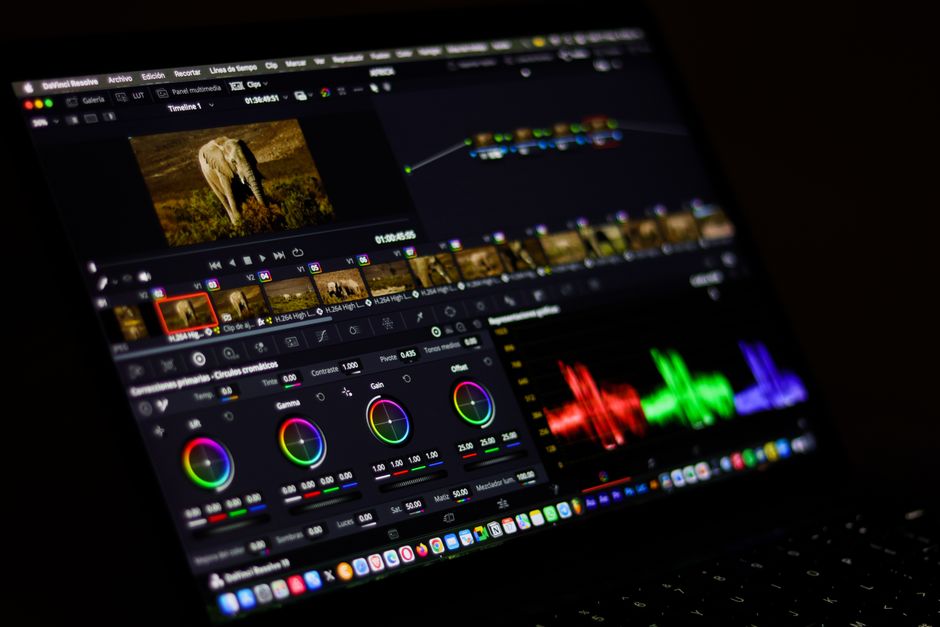
| Timeline editors (e.g. Adobe Premiere Pro, DaVinci Resolve) | Creators who want frame-level creative control | High | Time-intensive to learn and use |
| Template-based AI video apps | Quick social clips with a consistent style | Low | Limited flexibility outside the templates |
| Coding agents (Claude Code, Codex) | Repeatable, customisable workflows without manual editing | Moderate (setup, not editing) | Requires comfort with files, folders and reviewing agent output |
The difference with coding agents is reusability. Once a workflow works, the same instructions can be applied to next week's video. This is the same logic behind building agentic workflows for marketing teams: the value builds up because the process is captured, not rebuilt from scratch each time.
How to Set Up an AI Video Editing Workflow That Lasts
Teams experimenting with this approach can make it more reliable with a few practical habits.
- Create a dedicated project folder. Keep raw footage, brand assets (logos, fonts, colours) and approved music in clearly named subfolders. Agents work better when they can find things.
- Write a standing brief. Claude Code reads project instructions from a CLAUDE.md file, and Codex uses an AGENTS.md file. Put your brand style, preferred caption format, output sizes and pacing preferences there so you do not repeat them in every prompt.
- Start with one task. Ask the agent to trim silences before asking it to build a full edit with graphics and music. Confirm each step works before you chain them together.
- Work on copies, not originals. Agents run real commands on real files. Keep raw footage backed up and have outputs written to a separate folder.
- Save prompts that work. When a request produces a good result, store it. Over time these become a library of repeatable edits for different formats, such as YouTube long-form, Shorts and Reels.

Teams rolling this out across several people should treat it as a skills project, not just a tool purchase. Our coverage of advanced AI training for teams makes the point that adoption sticks when people understand how to direct AI, not just how to install it.
What Are the Limits and Risks of AI Video Editing?
Removing the need for editing skills does not remove the need for editorial judgment. Several risks deserve attention.
Taste still belongs to the creator
An agent can cut every pause, but some pauses carry emphasis or humour. Pacing, story structure and what to leave out remain human decisions. Treat the agent's first output as a rough cut, not a finished product.
Music rights are not automatic
An agent picking a track does not make that track licensed. Creators should point the agent only at music they have the rights to use. Platforms can mute or demonetise videos with unlicensed audio.
Security and file access
Coding agents act on your machine. Review what permissions you grant, avoid running them in folders that contain sensitive client data, and read the commands they propose before approving anything destructive.
Platform fit
A faster edit only helps if the content suits where it is published. Format, length and hook still need to match platform behaviour, as we noted in our guide to winning with LinkedIn's new feed algorithm.
Key Takeaways
- Social Media Examiner's guide shows that Claude Code and Codex can act as video editors for creators who do not want to learn editing software.
- The approach works because much of video editing, including trimming, graphics and audio mixing, can be expressed as code that agents write and run.
- The biggest gain is repeatability: a workflow defined once can be reused for every new video.
- Start small, work on copies of footage, store standing instructions in project files, and save prompts that work.
- Human judgment on pacing, story and music licensing remains essential. The agent handles execution, and the creator stays the director.
Frequently Asked Questions
Can you edit videos with AI without any editing experience?
Yes. Social Media Examiner describes a workflow in which coding agents such as Claude Code or OpenAI's Codex handle editing, motion graphics and music selection from plain-language instructions. You still need to review the output and make creative decisions, but you do not need to learn timeline editing software.
How do Claude Code and Codex edit video if they are coding tools?
They write and run scripts that drive video tools on your computer. For example, they can use command-line utilities like FFmpeg for cutting and audio, or code-based frameworks for motion graphics. The creator describes what they want, and the agent turns that into technical steps.
Is music chosen by an AI agent safe to use on YouTube and social media?
Only if you have the rights to that music. An AI agent selecting a track does not license it, so creators should give the agent access only to music libraries they are permitted to use. Unlicensed audio can lead to muted videos or lost monetisation.